Install The Crossroads

Step 1

Installing a modpack using the Technic Launcher is easy. If you don't already have the launcher downloaded, visit our download page to get the latest version.

Step 2

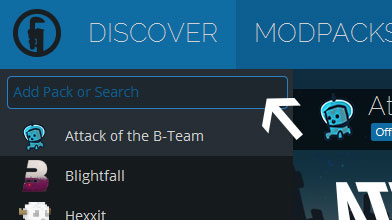
Type in the modpack name (The Crossroads) or paste the following url into the search box.

Step 3

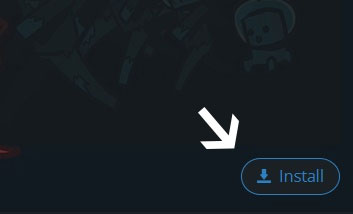
Finally, click Install at the bottom right of the launcher after you select The Crossroads from the list on the left. The launcher will handle everything else!

The Crossroads

by ManokitFelix
Version 3.8.1 • Minecraft 1.12.2

Changelogs

Fixed DL link
Added Mob Utils
REMOVED GALACTICRAFT
Updated Config
Removed 3 progression mods due to server failure
Added Galacticraft Added Energy Exchangers
Added Buildcraft, fixed cofigs
Added Construct Armory
Added Roost Added Tetra Added More Chickens Added Dragon Mounts 2
Updated for 2023 Release, Added Heart Containers, Updated Configs
Latest Update
The Crossroads was updated to version 3.8.1