


Minecraft: Community Edition is a community-based modpack that is not affiliated with Mojang, Microsoft, or any other official Minecraft entity.
Minecraft as it was meant to be. A full community made, community driven update that is years in the making. Experience new biomes, new mobs, new weapons, and a new world.
All content in this pack are features that fit in with the gameplay flow, feel, and overall style of Minecraft.
- Nearly all Minecraft Earth & Minecraft Dungeons content is ported over
- Exhilarating Cave Update
- Expanded Nether Update
- Mystical End Update
- Dozens of new biomes in all three dimensions
- Dozens of new mobs
- Dozens of bugfixes
- Tons of new structures and new incentives to explore the vast world
- Performance Fixes

Exhilarating new biomes (Credit: Biomes O' Plenty)
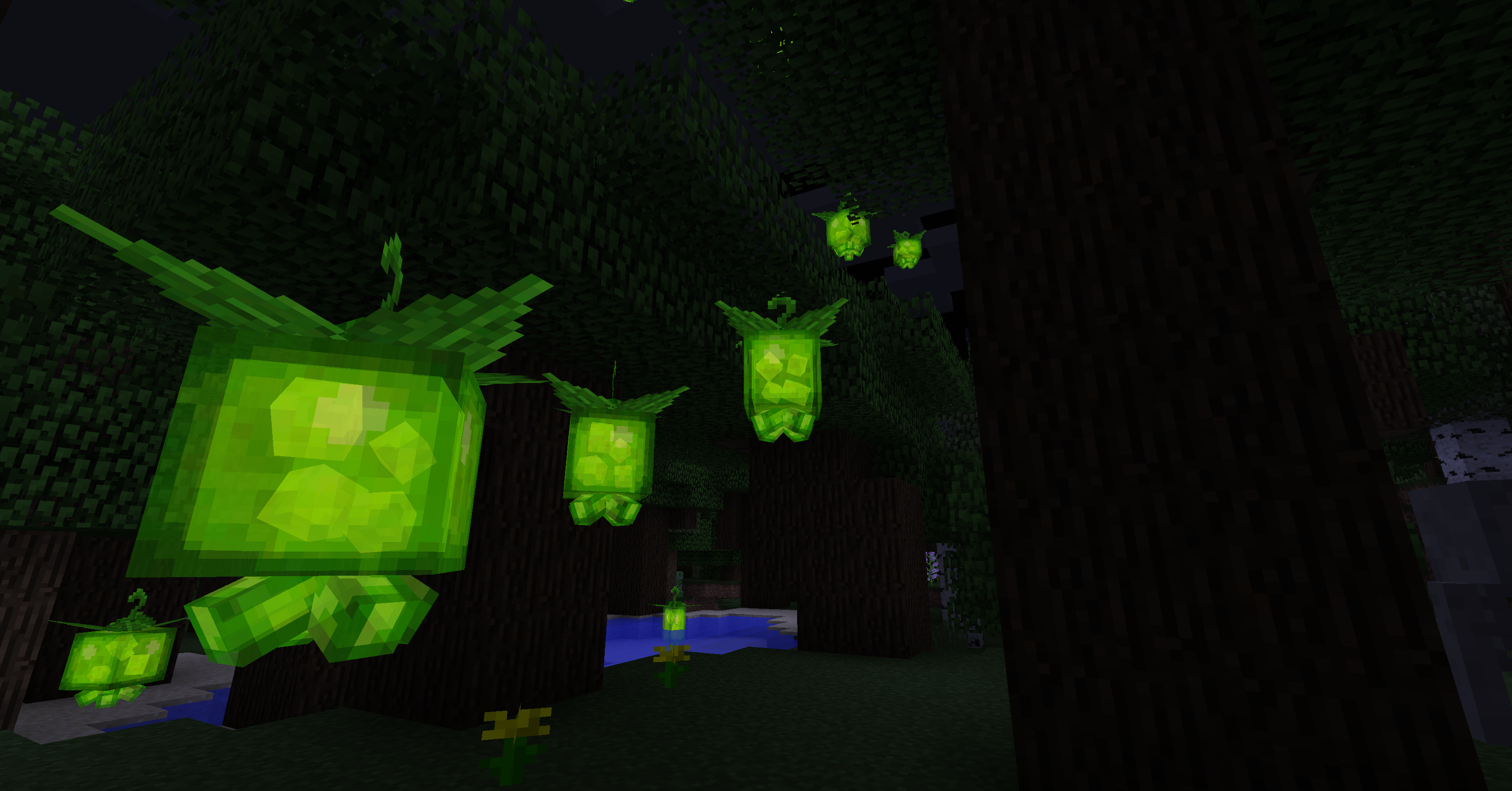
Strange new creatures to discover (Credit: Mowzie's Mobs)

New bosses to conquer (Credit: Mowzie's Mobs)

New lush caves to explore

Underwater expansion
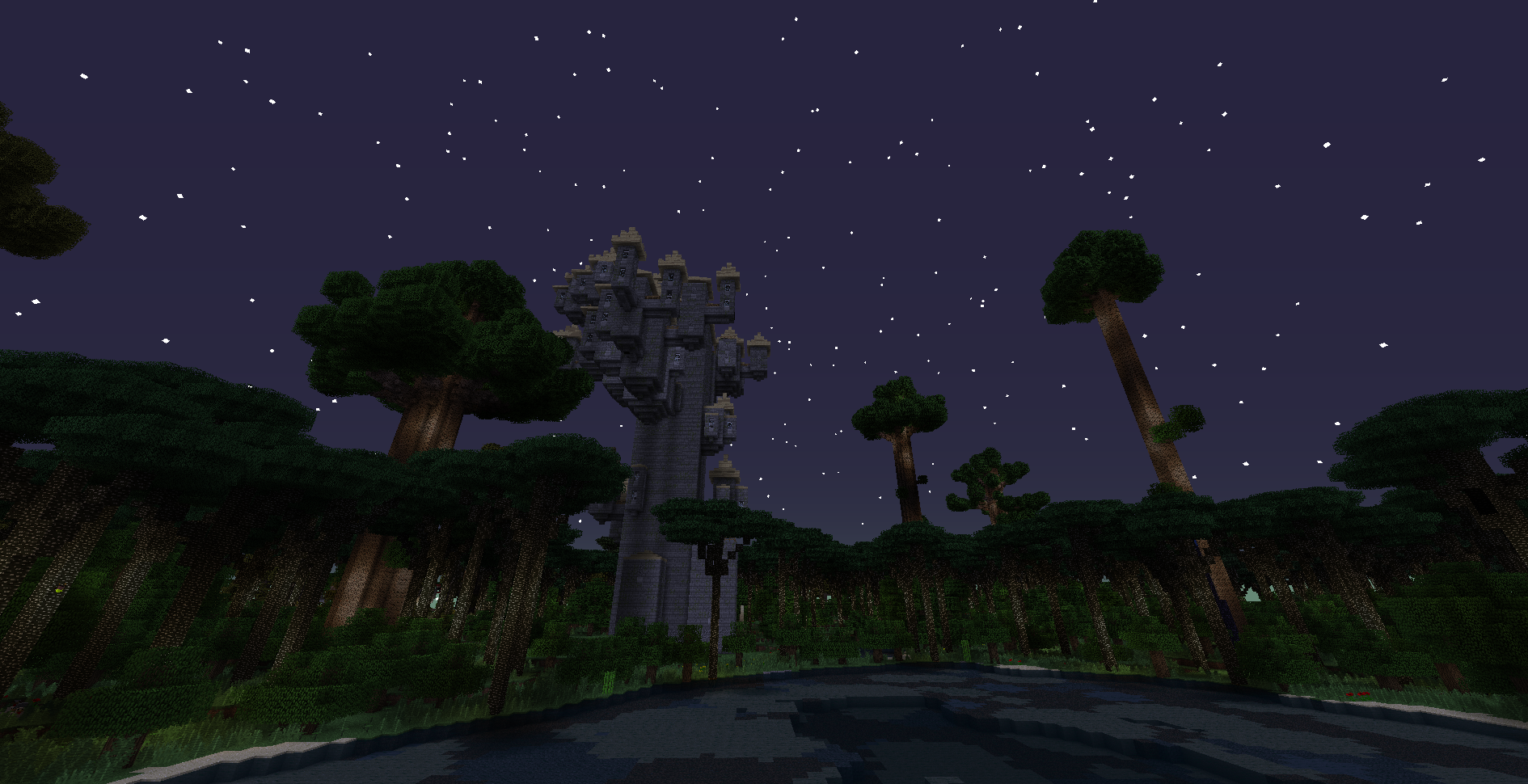
Strange new dimensions (Credit: Twilight Forest)

Dozens of new creatures to discover (Credit: Alex's Mobs)
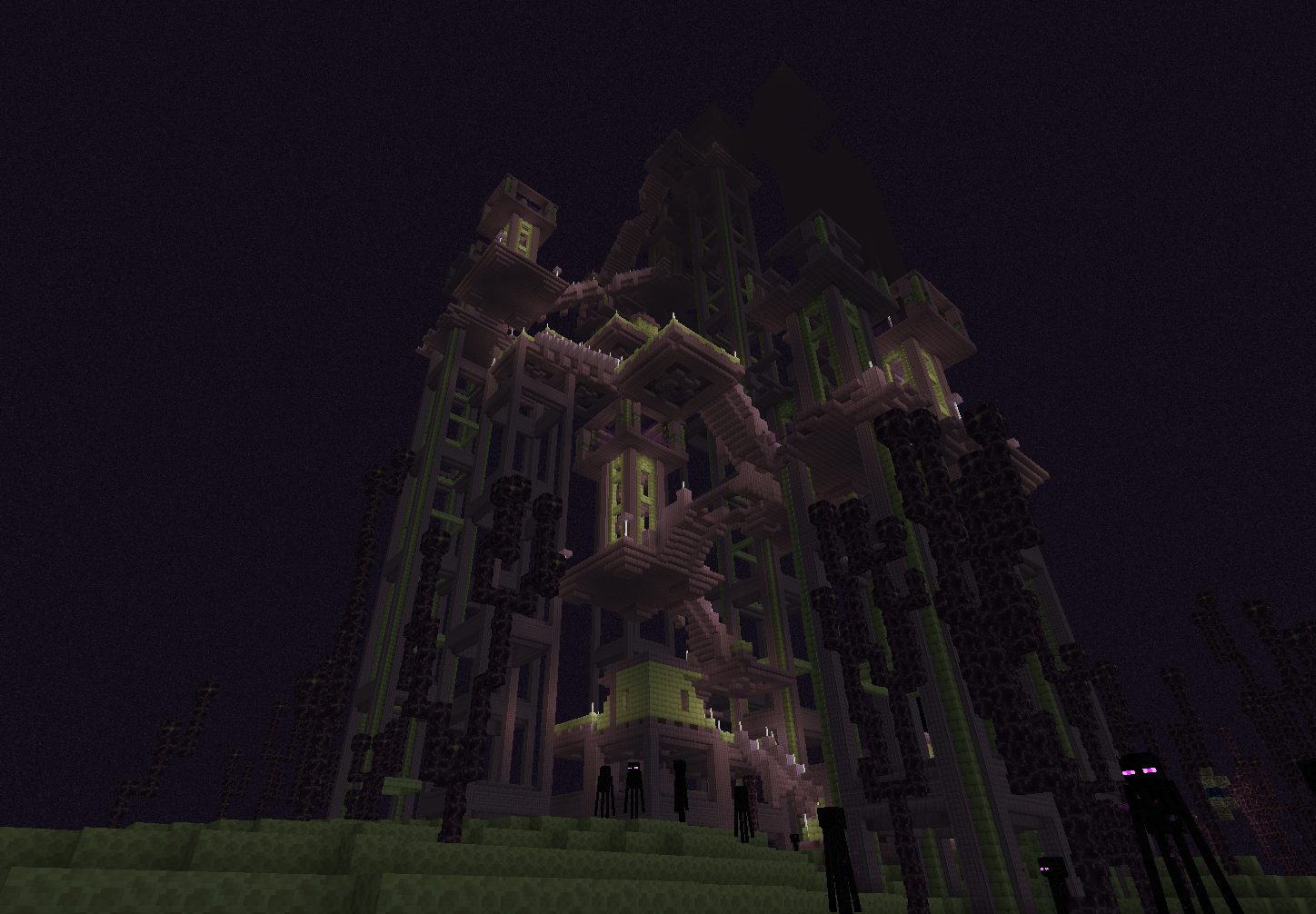
New Dungeons and structures to explore (Credit : Shulker's Faithful Factories)
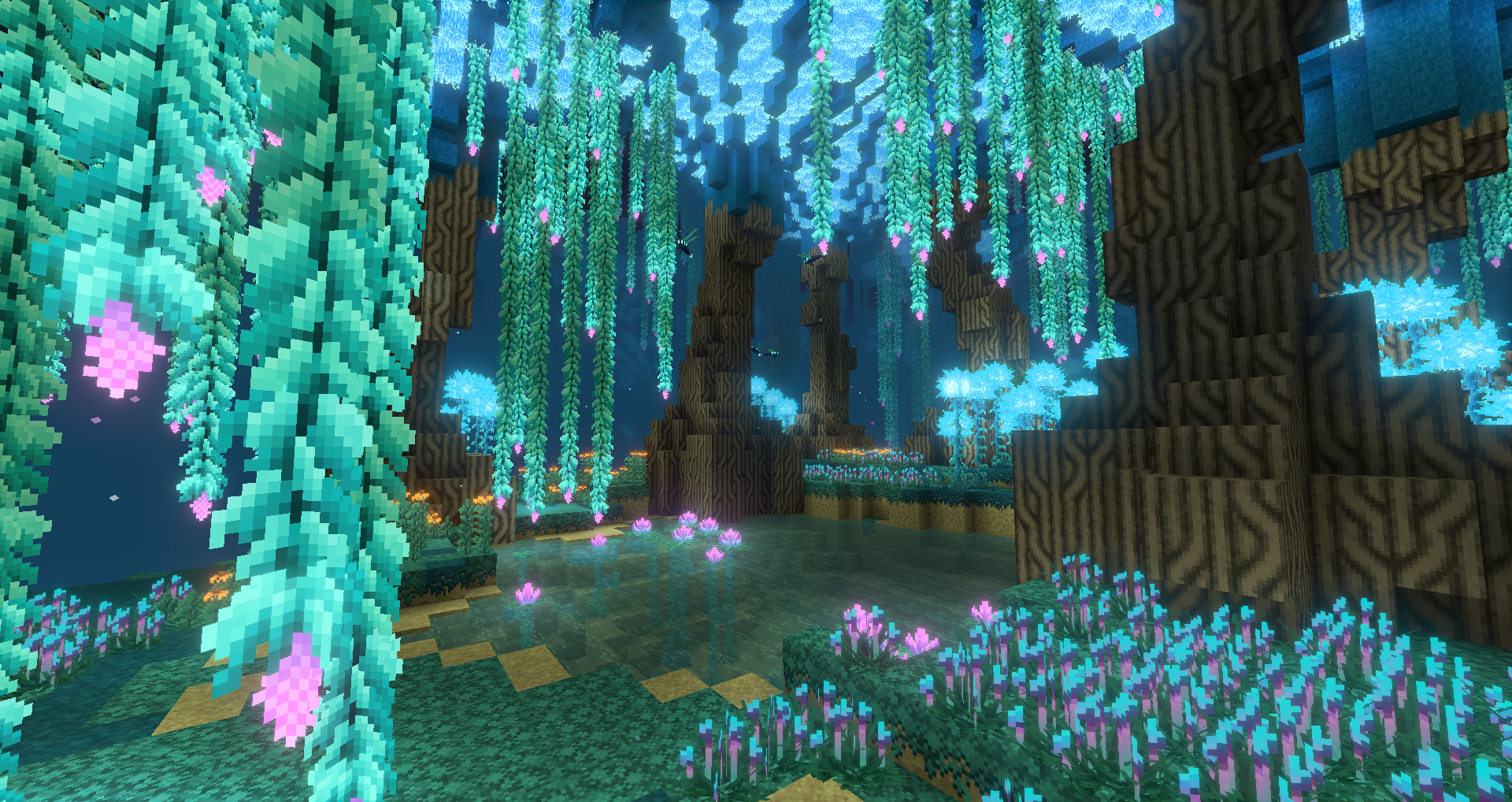
Dimension Overhauls (Credit: BetterEnd)