Info: You must be logged in to comment.
Click here to register a new account
or log in.
Is it ok if you add chisel to the mod pack?
 cnnr3000
·
Installing a modpack using the Technic Launcher is easy. If you don't already have the launcher downloaded, visit our download page to get the latest version.
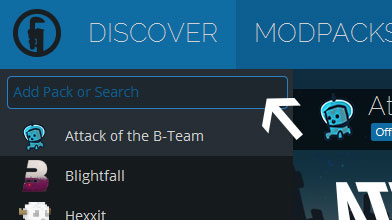
Type in the modpack name (Flans Global 1.7.10) or paste the following url into the search box.
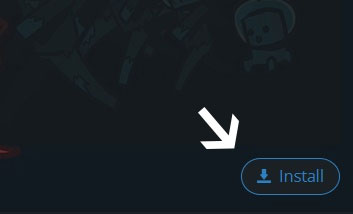
Finally, click Install at the bottom right of the launcher after you select Flans Global 1.7.10 from the list on the left. The launcher will handle everything else!
 cnnr3000
·